
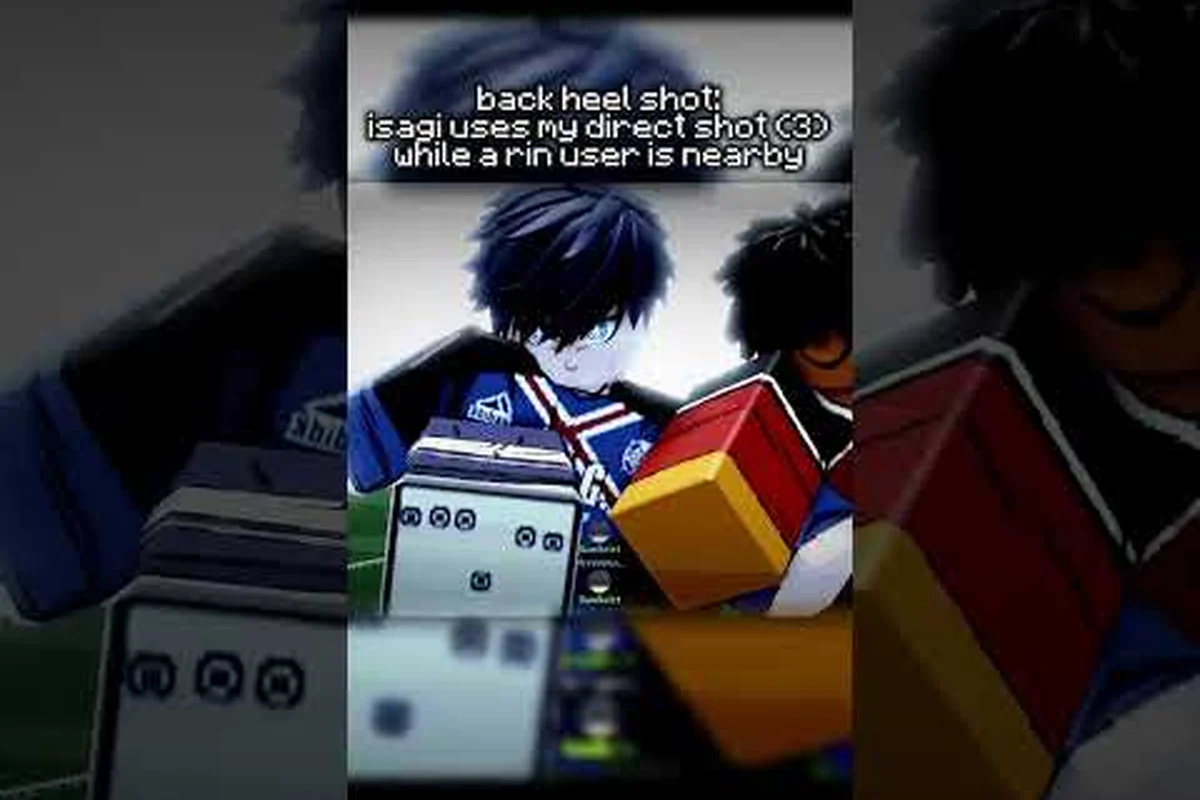
Scoring in Azure Latch comes down to a clean shooting rhythm, a sharp tackle, and the ability to chain dribble moves into a single finishing burst. Most new players lose possession before they even get close to the box because they mash M1, hold tackle too long, or panic the moment a defender presses them. This guide breaks down the default bindings for shooting, tackling, and dribbling, then layers in the combos that turn a single press of M1 into a real scoring threat.
Core Shooting Mechanics and M1 Timing
The shot input is M1, and it is also the pass and the clearance, which is the biggest reason new players struggle to score: the game interprets the same button by context, and the context is built from your position, your possession, and how long you hold the input.
A clean shot follows a simple rhythm: take a touch to set your body, then fire. What complicates it is that M1 does different things depending on the situation, so the skill is knowing which version you are about to produce before you press it.
| Input pattern | Resulting action | Best use case |
|---|---|---|
| A quick tap | A light touch or a pass | Moving the ball on rather than shooting |
| A short hold | A driven shot | Most finishes inside and around the box |
| A longer hold | A more powerful shot with a longer wind-up | Long-range attempts with a clear lane |
| Holding while a defender closes | The chance is lost | — |
The most common mistake is holding M1 longer than the situation allows. A more powerful shot takes longer to come out, and the extra wind-up is time a defender can use to block or a goalkeeper can use to set. Treat the short hold as your default and stretch it only when the lane is genuinely clear.
Direction matters as much as timing. The shot travels where your character is facing when it releases, so a small touch to turn your body before firing does more for your accuracy than any amount of holding the button. Experienced players almost always take that touch, which is why their shots look calmer than a beginner's.
Two variations live inside the same shooting input. A volley comes out when you strike the ball in the air as it drops in front of you, and a curve comes out when you look up during the run-up, bending the shot toward the far post. Neither is a separate ability and neither costs a skill slot, which is why both are available to every Style in the roster. The Azure Latch curve shot guide covers the curve in more depth.
How to Tackle Cleanly With the Q Binding
The tackle is bound to Q, and it is a short-range challenge rather than a body check. Q strips the ball from a dribbling opponent when your timing lines up with their touch, and with A or D held the same key becomes a side dash instead. Because the input is contextual, a player who spams it against a good dribbler will simply walk themselves out of the play.
| Tackle situation | What to do | Why |
|---|---|---|
| The carrier has just taken a touch | Press Q | They cannot change direction as the ball leaves their foot |
| The carrier is mid-stride | Hold position and mirror them | A committed challenge into a moving carrier is a coin flip |
| The carrier is winding up a skill | Wait for the skill to start, then Q | The skill's recovery is your window |
| The carrier is inside the box | Contain rather than challenge | A mistimed challenge in the box is the worst place to lose a duel |
The habit that separates a good defender from an eager one is patience. Q commits you to a challenge, and a committed challenge that misses removes you from the play, so pressing it at the first opportunity is usually worse than staying goal-side and waiting for a genuine window. The window is the carrier's touch, because a player who has just released the ball cannot turn.
Angle matters too. Approaching from directly in front of the carrier lets the ball bounce straight back to them if the challenge is only half successful, while approaching from the side turns the ball away into space. That is the difference between winning the ball and merely interrupting the dribble.
Dribble Fundamentals for New Attackers
Dribbling in Azure Latch is built from movement plus the E input, which starts a dribble when you have the ball and toggles techniques mode when you do not. There is no separate modifier stick to learn; the ball is kept through movement, the E dribble, and the speed boost on F, and the skill moves come from the Style's numbered keys. The first concept worth learning is the trade-off between speed and control.
| Dribble state | Input | What it is good for |
|---|---|---|
| Full sprint | Movement plus F | Counter-attacks and open lanes |
| Controlled dribble | Movement plus E | Approaching the box and 1v1 duels |
| Walking | Movement only | Tight spaces and shielding the ball |
A sprinting player covers ground but cannot turn sharply, while a walking player turns instantly and covers very little. The controlled dribble sits between the two, and it is the state to be in whenever a defender is close enough to challenge.
Body position does a lot of work. Keeping your body between the ball and the defender makes the ball harder to reach, which buys the moment you need to play a pass or line up a shot. That shielding is not permanent — a well-timed challenge still wins the ball — but it turns a contested situation into a decision you get to make.
The other habit worth building early is recognising when the ball should leave your feet. A dribble that goes one touch too long is the most common way a promising attack dies, and the fix is to decide before you receive the ball whether you are shooting, passing, or carrying it.
Building Dribble Combos That End in Goals
A dribble combo is a short sequence of movements and skill inputs that moves the ball past a defender and ends in a shot or a pass. In Azure Latch a combo is built from the Style's numbered skills plus the movement tools, so what a combo looks like depends on the kit you locked, not on a universal move list.
| Combo shape | What it uses | When it works |
|---|---|---|
| Shift and shoot | A numbered skill that moves the ball sideways, then M1 | When the defender is square and the shooting lane opens |
| Burst and finish | F to create separation, then M1 | When the defender is close but slow to turn |
| Dribble past and square it | E dribble plus a numbered skill, then R | When a teammate is arriving in the box |
| Draw and release | A skill that invites a challenge, then a pass | When two defenders converge on you |
The pattern behind all four is the same: the first input moves the defender, and the second exploits the space that movement created. A combo that skips the first step is just a hopeful shot. The other discipline is knowing when to stop. Chaining too many inputs gives the defender a recovery window between each one, so a short sequence that ends in a decisive action beats a long sequence that ends in a turnover. A useful rule is to allow yourself no more than one or two setup inputs before the shot, pass, or reset. If you are looking for deeper mechanics around chaining, the combo guide covers the setup-filler-finisher model in more detail, including how the Flow awakening fits into a sequence.
Positioning, Camera, and Common Mistakes to Fix First
Camera and positioning do more for a beginner's scoring rate than any single technique. The default camera gives a broad view that suits passing and tackling; if your dribbling feels blind, the first adjustment to try is a slightly closer or lower view so the defender's body is easier to read. The game supports custom settings, so the right answer is the one you can play with consistently rather than a specific number.
| Common mistake | What it costs | The fix |
|---|---|---|
| Staying central | The middle is the most defended part of the pitch | Attack from wide and cut inside |
| Arriving at the box at full sprint | A heavy first touch and a blocked shot | Slow down before the box, then accelerate into the finish |
| Shooting while a defender is set | The shot is blocked before it reaches the keeper | Move the defender first, then shoot |
| Holding M1 too long | The wind-up gives the defender time | Use the short hold as the default |
| Dribbling one touch too many | The ball is taken before the shot | Decide the final action before you receive |
The most common positioning mistake is staying too central. The centre of the pitch is where defenders are most concentrated, and a straight run through the middle lets them set their body before you arrive. Cutting in from a wide channel opens a shooting angle and gives you a clearer view of the keeper.
The second mistake is arriving too fast. A full sprint into the box usually produces a heavy touch, because the ball runs away from you at exactly the moment you need it close. Slowing down before the box and accelerating again into the finish is the rhythm most good attackers use.
Finally, remember that the fundamentals are the same three inputs everywhere: M1 for shots, Q for tackles, and movement plus E for the ball. The best tech guide builds on the same base, but the base itself is what wins matches.
Frequently Asked Questions
What is the default keybind for shooting in Azure Latch?
Shooting is M1. The same input also passes and clears depending on context, so the shot is decided by your position, your possession, and how long you hold the button. A short hold is the safest default; a longer hold produces a more powerful shot with a longer wind-up.
How do you tackle without giving away position in Azure Latch?
Approach from the side rather than head-on, wait for the carrier to take a touch, then press Q. A challenge made as the ball leaves their foot is the cleanest, because they cannot change direction at that moment. A challenge into a moving carrier is a coin flip, and a missed challenge takes you out of the play.
What is the easiest dribble combo for beginners?
Use a numbered skill to move the defender sideways, then take the shot. The pattern is short, uses an input you already have, and does not require chaining several moves together. Practise the first step at walking pace before adding the finish.
Can you change the default keybinds in Azure Latch?
Yes. The game supports custom keybinds, so every input in this guide — including M1, Q, E, F, and the numbered skills — can be remapped from the settings menu. A remap changes which key triggers an action, not the action's behaviour.
Why does my shot always get blocked even when I aim well?
The usual cause is the wind-up. A longer hold gives a defender time to close the lane and a goalkeeper time to set, so the shot arrives into a block that was not there when you started. Move the defender first with a short skill, then take the shot with a short hold.